Showing posts with label Micromax A56. Show all posts

How to get Jelly Bean Styled Status Bar in Micromax A56/A57


Hey all Micromax A56/57 users.Micromax A56 and A57 has a big theming and modding development like it has much themed/modded ROMs.But because of the help of Team Ninja we also got CM7 based ROM named Cyanomax.It also got a lot of other ROMs and the styles are mostly awesome.We got different styles like ICS, JB, Lewa, MIUI,Xperia,... and much more.Micromax A56/57 also got a Custom Kernel!But stil device is going slow and after sometime I got bored because of looking.But now we got because of efforts of Prashanth Meesara and Team Ninja a JB styled Statusbar which has awesome features!I'm using the Statusbar for some days and I love it!I can everything do in Statusbar by this toggles we got 9 big toggles (Contact, Brightness, Settings, Bluetooth, WifiAP, Battery, Debugging, Network and Airplane) and plus 12 other small toggles which have all other things.So no more searching for Settings shortcut when you are using an app just slide the Statusbar and you'll get it!It looks like we are using Google Nexus on AOSP Jelly Bean 4.2.2.


Features:

*Fully Jelly Bean Themed
*Swipe-to-remove Notification added
* Quick Panel
* JellyBean Style statusbar closing
*Working on any ROM except Cyanomax
*And much more!


Credits:

Prashanth Meesara was the one who worked mostly on this but Team Ninja helped him a lot so he decided to say it's by Team Ninja but for me all credits goes to him!Only because of his efforts we got this awesome Jelly Bean styled Status Bar!


Screenshots:


Requirements:

1.Rooted Micromax A56/57.
2.CWM Recovery installed.


Downloads:


How to install:

1.Copy the ZIP file(Download link above) to your SD.
2.Go to CWM.
3.Go to install zip from sd card.
4.Install the ZIP.


Now Reboot and enjoy a Jelly Bean styled Statusbar!


How to install Touchwiz ROM on Micromax A56/57 Ninja 3


Micromax A56/57 is a low-budget Android Smartphone.The specifications aren't the best and gaming or Multitasking isn't good at stock ROM.The stock ROM is looking also Weird so there are custom ROMs available for the Micromax A56/57 Ninja 3!And one of it is the Touchwiz ROM developed by Team Ninja.It has amazing Features and it's stable,fast and is looking awesome!It has also the Feature to automatically swap your SD-Card if you have a ext3-partition(with swap file in it).And it's based on Prestigio Multiphone 3500 DUO(Clone of Micromax A56).But why is it based on Prestigio's stock Firmware?-Because Prestigio' stock Firmware has makes your SD-Card faster(More R/W Speed).And if you have a swap file on SD it will make your swap file also faster and games are then running faster!So I would give the ROM a try because it's developed by a whole Team of dedicated
and fameous developers!

 Members of Team Ninja:
 1. Abhinav Kumar
 2. Adhithya
                                            . Dhinesh Kumar                                            
 4. Jyothis Thalliath
                         5.Keval                          
 6. Maruti Gagan Monu
 7. Prashanth Meesara
 8. Rohan Arya
 9. Sasa Kovacic
Features:
Based on Prestigio
Fully Themed to TouchWIZ
No more tweaks which cause trouble
XPERIA lockscreen is default
MultiLockscreen included
S3 launcher
Highly Customized Statusbar
Changed Dialer
Changed InCall UI
Whole New Settings Style
ICS task switcher (no more 3rd party apps)
Made it stable as far as possible
EDT Support to Statusbar
Touch Droid Added
Stock Music player
TouchWIZ bootanimation
All touch wiz sounds added
And many more just install and use
Downloads:
Let's GO:
1.Copy the above downloaded zip and place it into your SD-Card.
2.Boot into CWM/TWRP Recovery.
3.Wipe data/factory reset.
4.Wipe Cache & Dalvik Cache.
5.Install the ZIP.
6.Wipe battery stats.
Updates:
What's new?
Added JB styled SB
S3 launcher added( it will lag for sure delete if it lags)
Removed ICS like Taskswitcher
NOW YOU ARE DONE!
ENJOY TOUCHWIZ ROM BY TEAM NINJA ON YOUR MICROMAX A56/57!


How to overclock CPU in Micromax A56/A57


Because of the efforts of Team Ninja Micromax A56/A57 got an OC-Kernel(overclock=OC).
Micromax A56 and A57 are low-end smartphones which are not running much games as it has less RAM(256 MB) and not the best CPU(1GHz single.core) and GPU(Adreno 200).
Before the OC-Kernel released the users of this phone used CWM swap Partition to increase RAM for gaming and it was very usefull.But after a while the SD-Cards are getting corrupted so the Partition is making System slower.So when you remove the parition ypur phone will be faster but gaming will not be good.But with the help of OC-Kernel now our phone turned into a monster!
Now loading times of games are shorter,gaming performence is increased,multitasking is better and then processes are also shorter(e.g:While extracting soemthing from phone it will take less time than before).So I will Show you how to overclock the CPU to max. 1.267 GHz.


Downloads:

How to Flash?

1.Put it into your SD-Card.

2.Go to CWM/TWRP.

3.Do a CWM/TWRP Backup(To be save).

4.Go to install zip from SD-Card and install it.

5.Reboot and Enjoy!

How to overclock it?

1.Download any overclock app from Playstore.(I'm using "No-Frills CPU")

2.Open it.

3.Now select your values.

I'm using mostly these values:

Team Ninja have added much Governors but I'm using mostly SmartAssV2 as it only goes to 1.267 GHz when you are gaming.When you are only on web or something other then it's on Default.


Credits:

rex_xxx - > for sharing kernel source codes
Varun Chitre -> For being our google!
Dhinesh Kumar -> Complete project execution!
Adhithya -> for made this possible
And Teamninja

Team Ninja Members:

1. Abhinav Kumar
 2. Adhithya
                                         3. Dhinesh Kumar                                            
 4. Jyothis Thalliath
                         5. Keval                         
 6. Maruti Gagan Monu
 7. Prashanth Meesara
 8. Rohan Arya
 9. Sasa Kovacic

Enjoy a faster Micromax A56 and A57!


How to install Jelly-Jet ROM on Micromax A56/A57


Here I'm presenting my new work named as Jelly-Jet V2. It's a ROM available for Micromax A56/57 and it's based on Prestigio Multiphone 3500 DUO Stock ROM.(So it will also work on Prestigio Multiphone 3500 DUO Stock). It's a fast and very lite ROM and you can play heavy HD Games with it if you have a swap file on your SD.

Why Prestigio based ROMs are faster?
-Becasue the R/W Speed of SD in the Prestigio Stock ROM is faster than Micromax's and the most users of Micromax A56/57 are using a swap file which is virtual RAM which is placed on SD so you will get better Performance!


Features:

*Based on Prestigo 3500 Stock ROM
*Android V 2.3.5 with Full JB Themed UI, Apps & Pre Rooted
*Combination MOD of Beats, SRS, Dolby & Xloud for further better sound experience
*Centre Clock MOD implemented
*Swipe to remove notification implemented
*Removed G,3G,H symbols from statusbar
*Fully JB Styled UI with working toggles
*Built in JB Wallpapers & Bootanim, & others
*ICS Animations
*Aroma Installer
*RAM Tweaks for 100+ MB Free RAM

Screenshots:

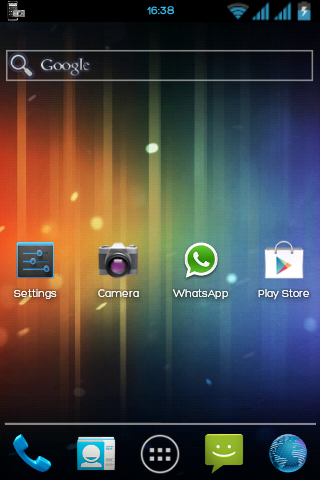
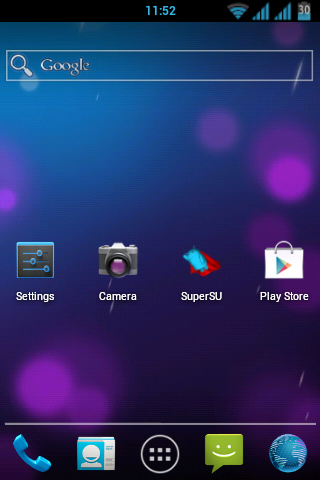
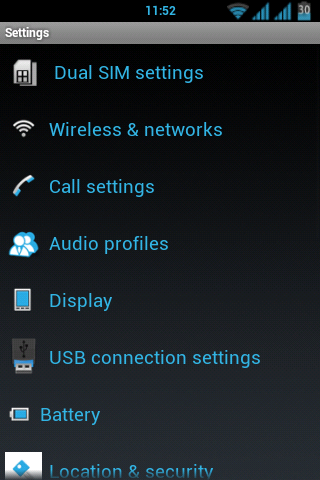
1.It has a nice UI and it's launcher is Holo Launcher which consumes very less RAM.

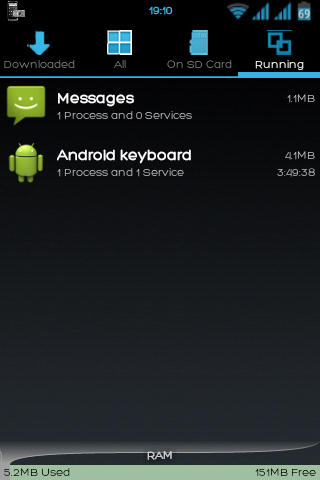
2.There are not much init.d tweaks added but still it has a lot of free RAM so best ROM for gaming.
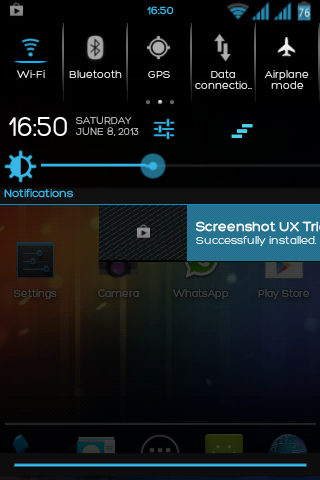
3.The ROM has a nice Statusbar with Swipe to Remove Notification.
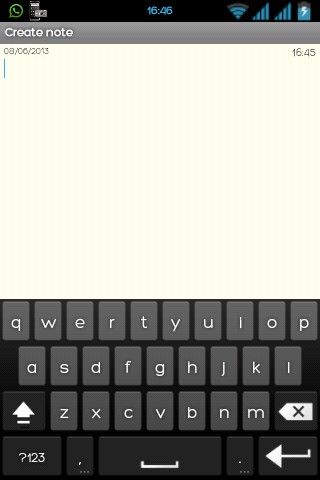
4.I have added ICS Keyboard.(Thanks to Keval,tooken from IV2)
So that were screenshots of V2 Version now text Versions are coming:
V2.1:
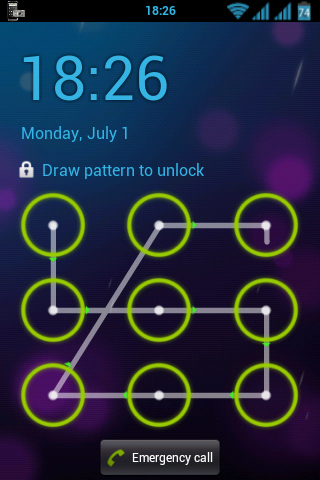
1.Succesfully added JB patern lock.
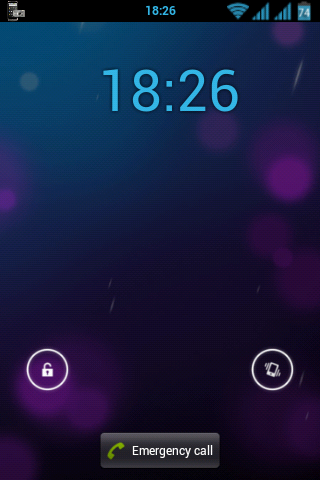
2.Succesfully added ICS lockscreen.
3.Changed Default Background to ICS.
V2.2:
1.Changed Default wallpaper.
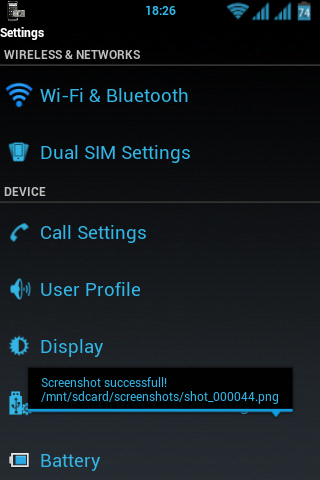
2.Added new ICS styled Settings.apk.
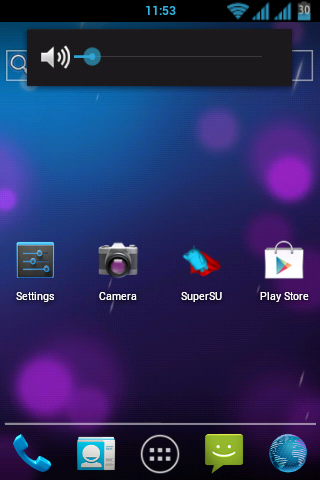
3.Added ICS/JB like volume adjuster.
V2.3:
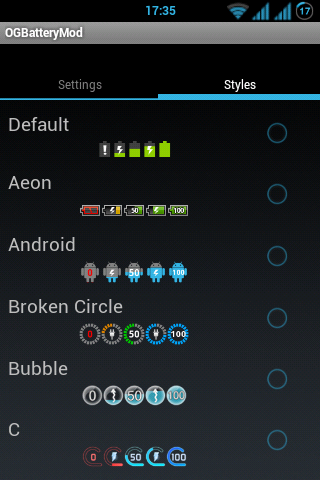
1.Added OG Battery MOD.
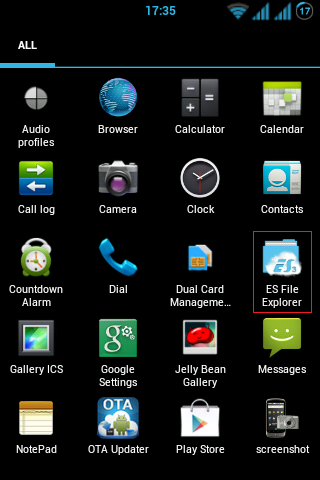
2.Added ES-File Explorer.
Here is the link to download the whole ROM:
Instructions:
1.Go to CWM
2.Wipe data/factory reset
3.Wipe Cache Partition
4.Wipe Dalvik's Cache
5.Install Zip from SD-Card
6.Select Jelly-Jet ROM v2_final
****************************UPDATE V2.1*******************************
What's new?
*Added new font
*Added new Lockscreen
*Changed Color of Text
*Changed Default Wallpaper
*Added Samsung Sounds
                  
****************************************************************************
****************************UPDATE V2.2*******************************
What's new?
*Fixed Profile Toggles in Statusbar
*Changed Default Black Background to ICS/JB Background
*Added new ICS-Styled Settings.apk
*Added ICS/JB Styled Volume Adjusting Panel
                                          
****************************************************************************
****************************UPDATE V2.3*******************************
What's new?
*Added OG-Battery MOD
*Added ES File Explorer
                                          
****************************************************************************
How To install updates?
Just go to CWM and Flash it.

Install Invincible ROM v3 custom ROM in Micromax A57/A56


Custom Rom :- INVINCIBLE ROM V3 (MICROMOX A57/A56)
 Features

--> Based on Prestigo Multiphone 3500 
--> JB UI
--> Better Kernel compared to mmx stock
--> Better Ram management wid alwayz 90+ mb free ram 
--> Mind Blowing performance
--> Swipe to clear notifications on Status Bar.
--> AWESOME JELLYBEAN status bar and transperent notification panel.
--> New music app Shuttle+
-->New cool Lock Screen
--> OTA FEATURE added. Now users can automatically update the ROM from OTA upgrades
--> New Setting menu with JB look
--> New JB styled Clock
--> New Jb styled Keyboard
--> CRT & Other Cool animations
--> Awesome nemus launcher
--> Audio Enhancements:
    i. BEATS™ audio for Marvellous, crisp sound. 
    ii. SONY XLOUD™ enhancement for controlling sound distortion in high sound levels.
    iii. SRS WOW® HD.
--> Super battery saving tweaks by default  
--> Most advanced init.d tweaks
--> App2sd script Added  
--> Gaming performance increased by Swap partition support
--> NEW Apps for Camera,Calc,Gallery,etc


Why Invincible Rom? 

1. Invincible Rom is based on Prestigo Multiphone duo 3500. It have better kernel compared to Micromax Stock Kernel. It will give high sd R/W capacity, Which will turn in to smoothness and lagfree Awesome performance :) 

(4k Benchmark score without sdcard in Invincible ROM)

2. New Settings with new invincible shortcuts .(i.e. Application Hub, Application Uninstaller, Sound Effect Manager, Blacklist, Ringtone editor, Call End Settings, Battery Calibration, OTA Updates, Screenshots,etc.)

3. Fully Jelly Bean Look..with awesome Status bar with swipe to remove features and all workin toggles :)


4. Now U can Customize your battery bar with too many mods and choices with OG Battery Mod.

How to install

1. U need CWM or TWRP Recovery
2. Put Zip in Sdcard root
3. Wipe Data/Factory Reset
4. Wipe Cache PArtition
5. Wipe delvik cache(from advanced menu)
6. Install zip from sd card and select invincible_v3.zip
7. Now u are ready...install is easy as A,B,C,D with cool aroma installer :)
8. After Installation Wipe delvik cache(from advanced menu)
  

Download
(password = invincible)